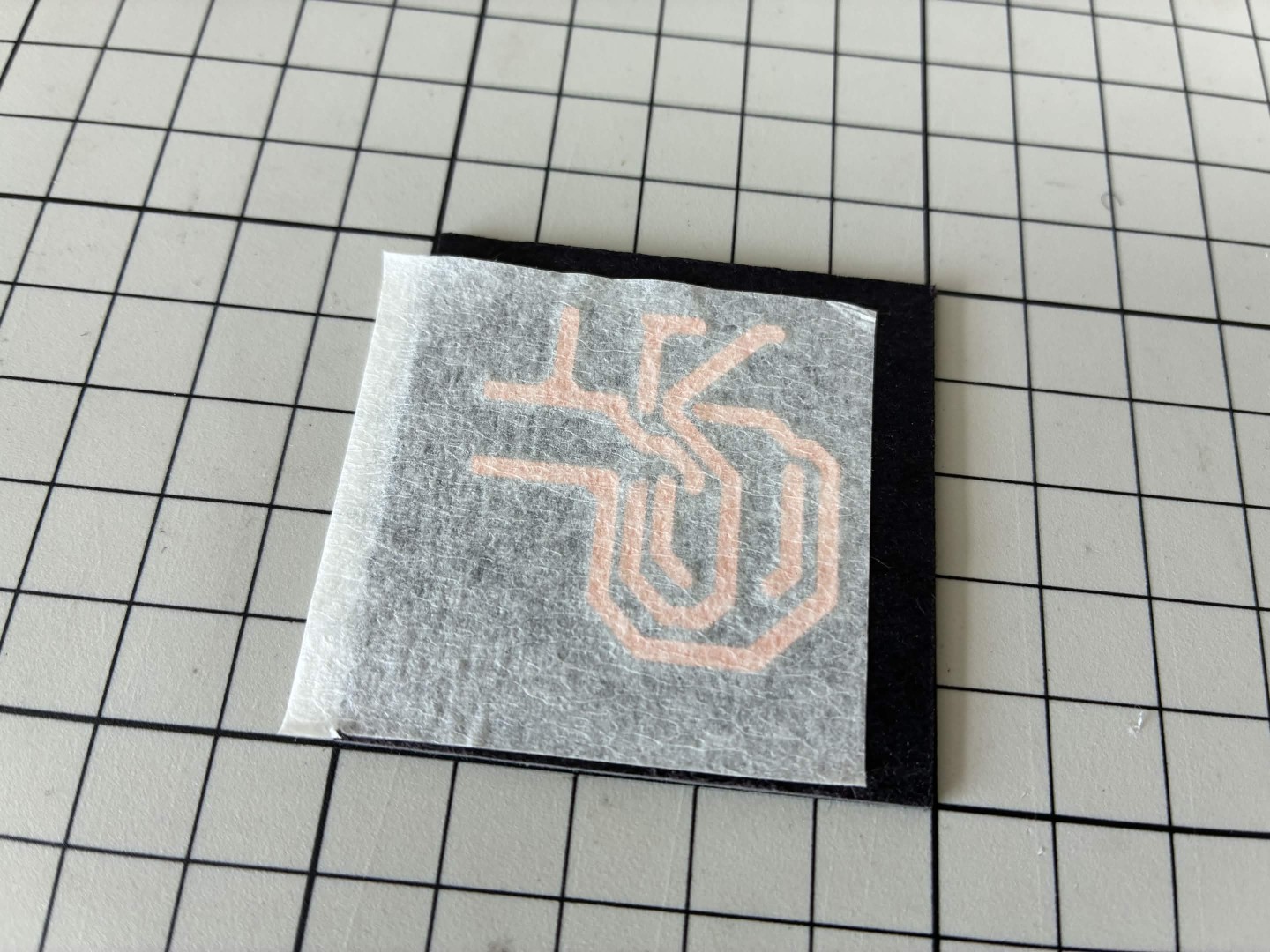
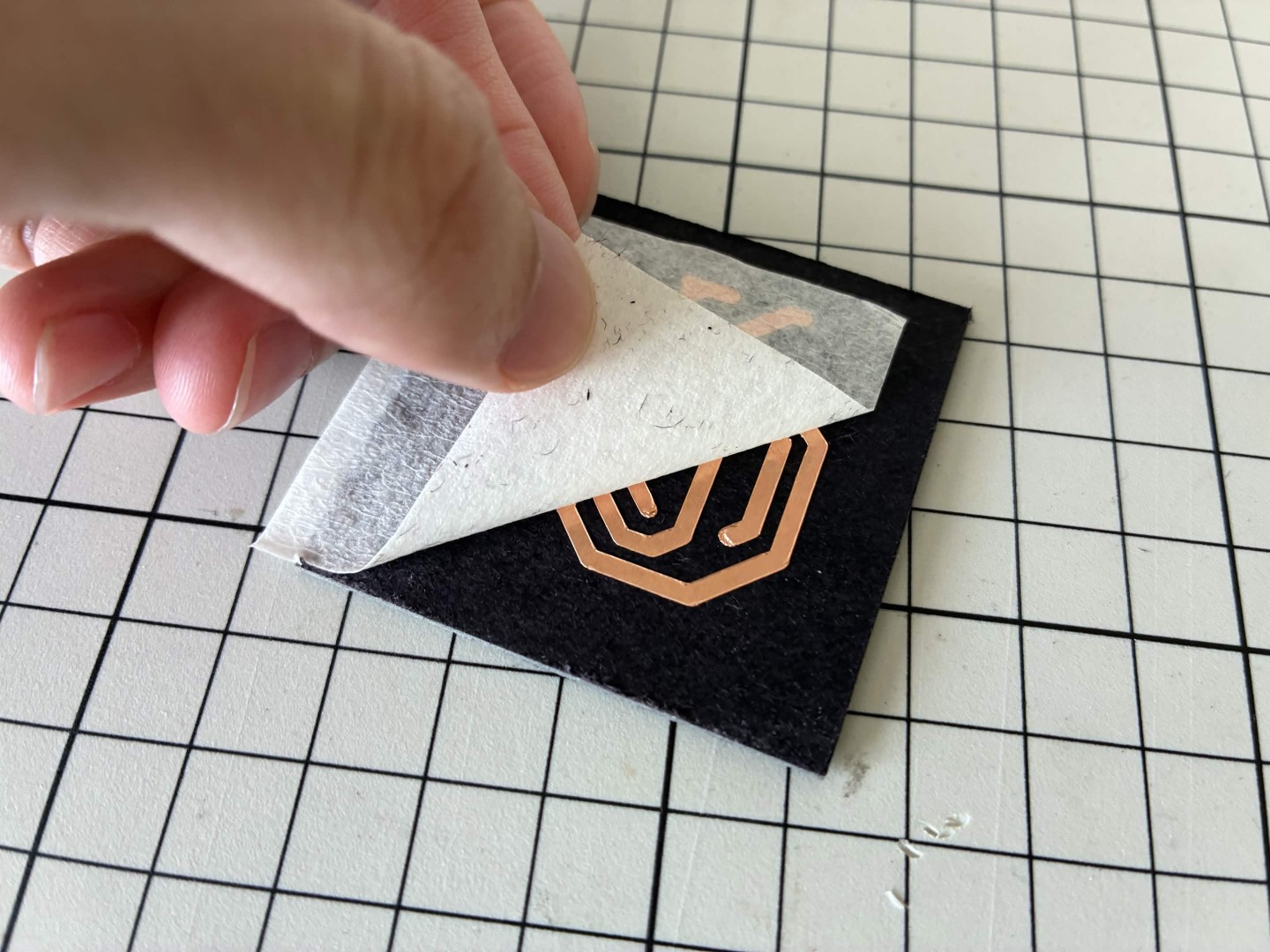
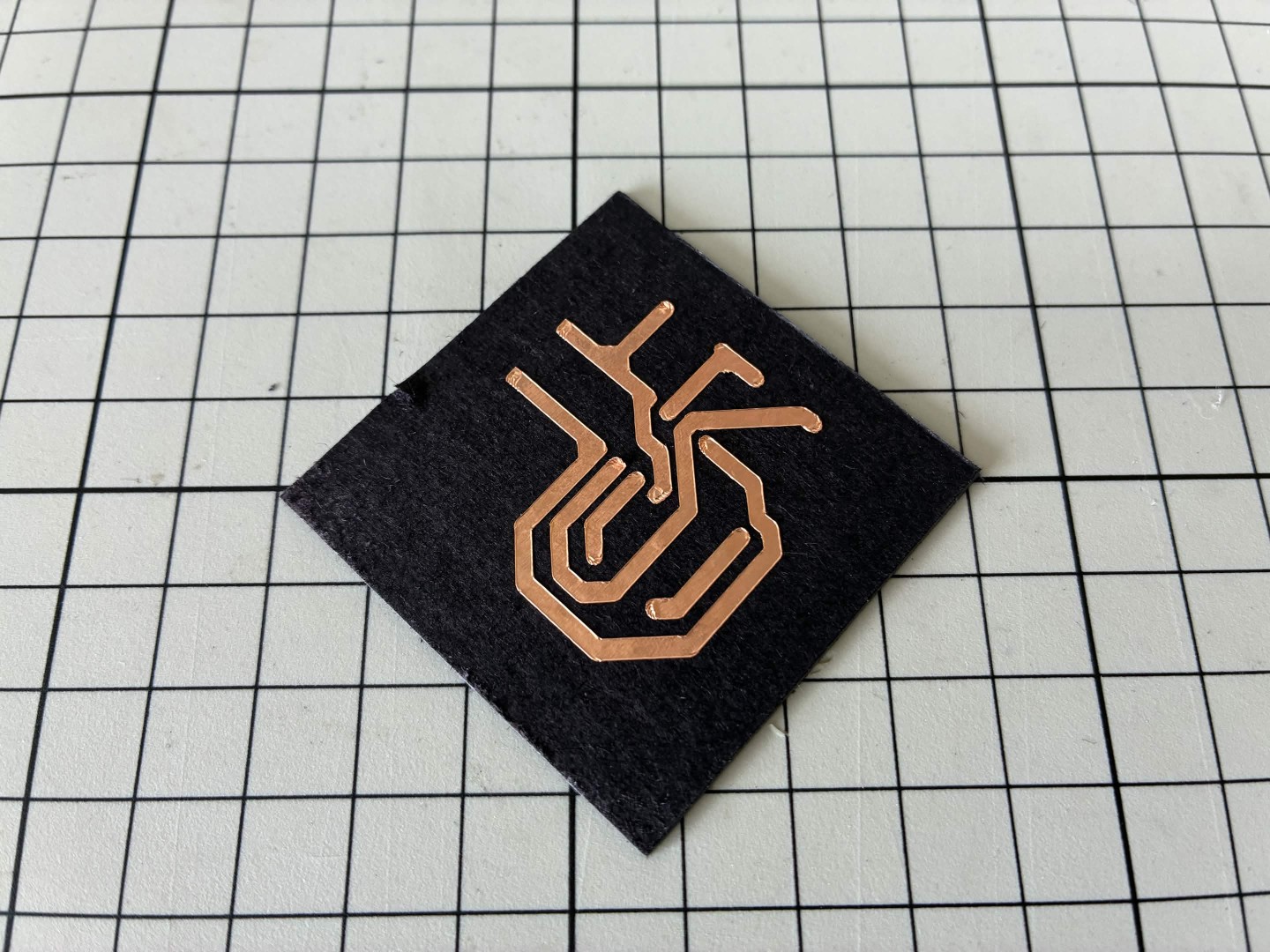
Using cutting machine
Model
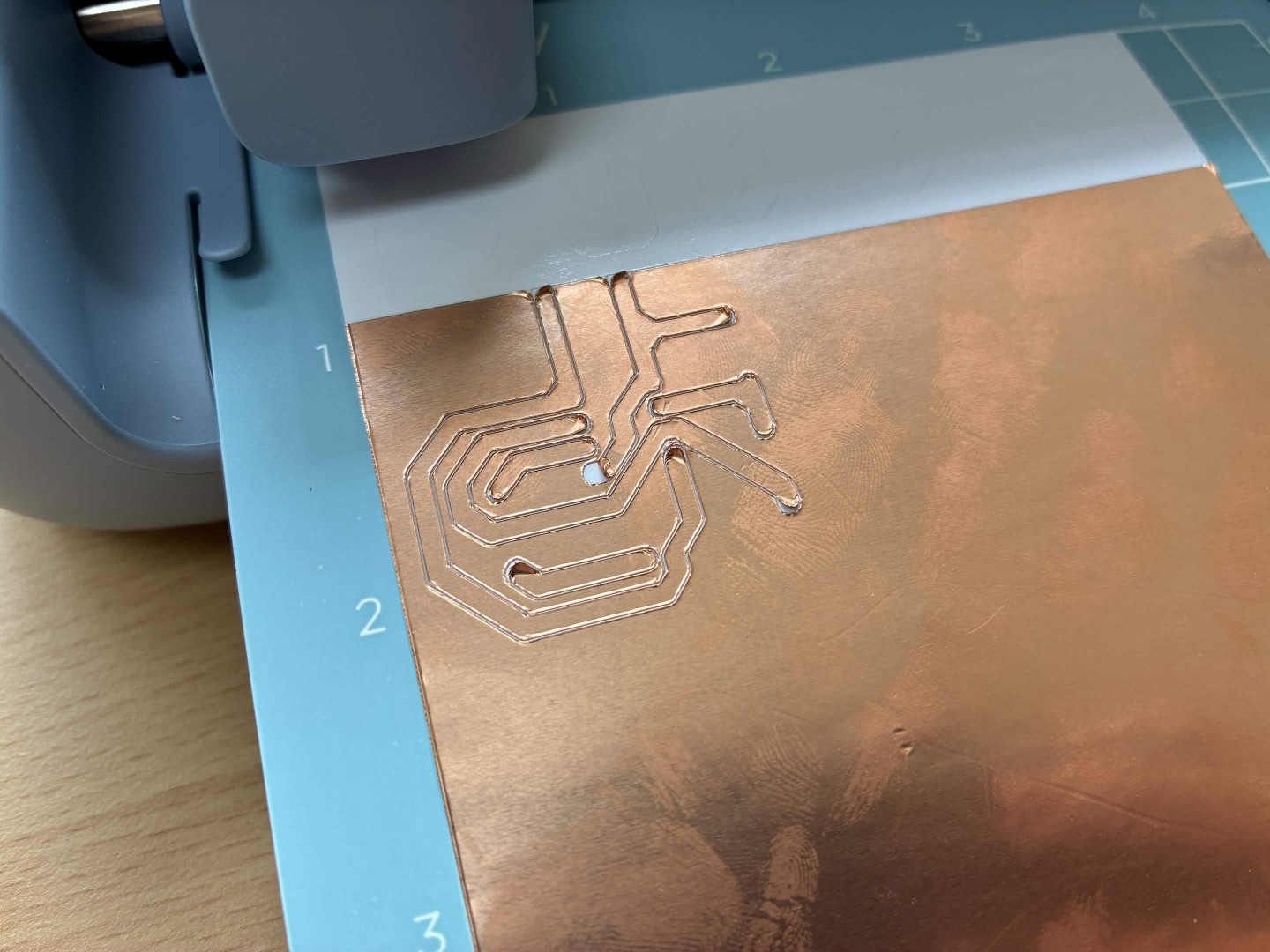
Cutting machine Cricut Joy 2.
Software
Download and install Cricut Design Space
You need a Cricut account to use the software.
Export DXF from KiCad
1. Check its size
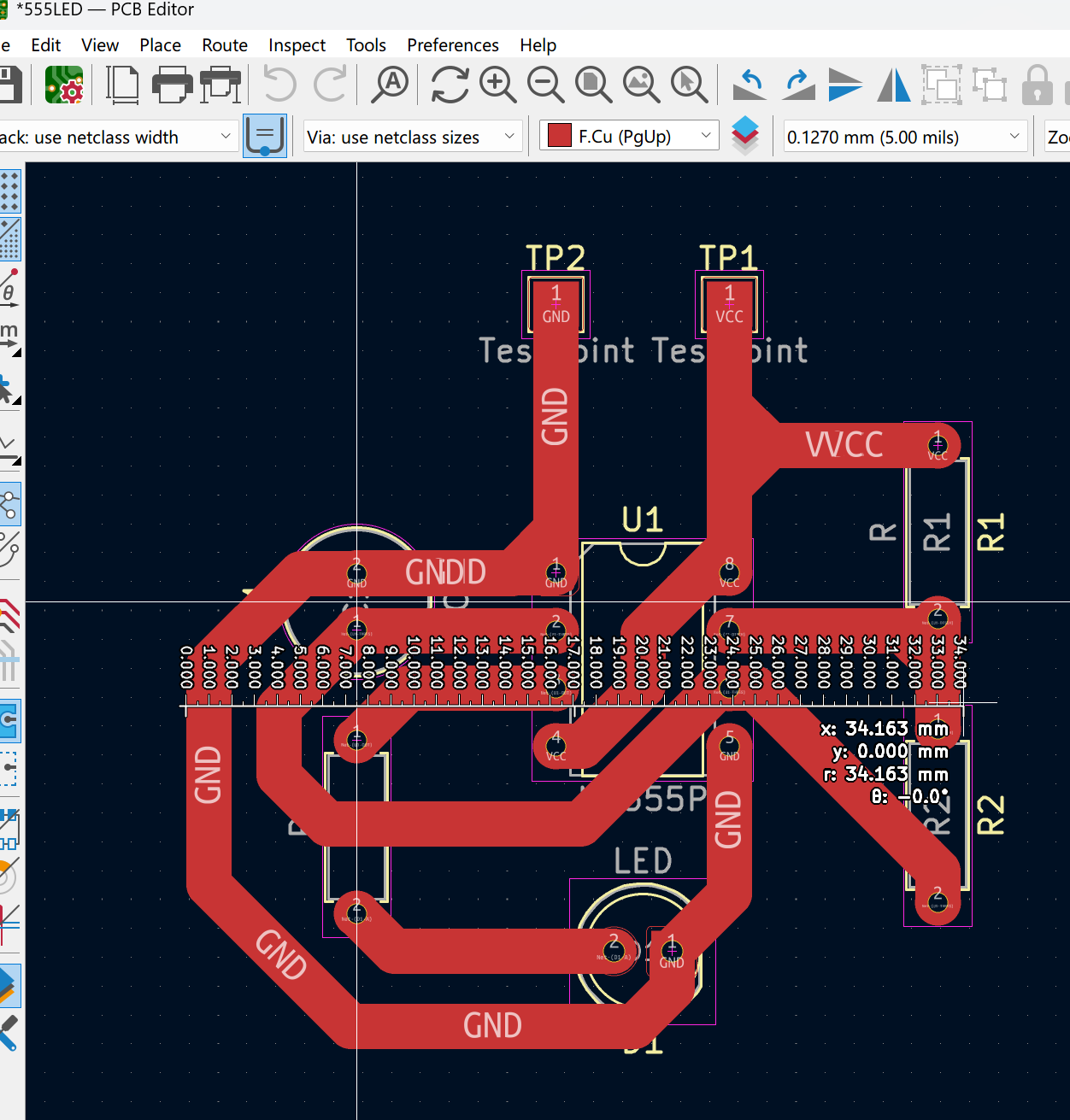
2. Plot DXF.
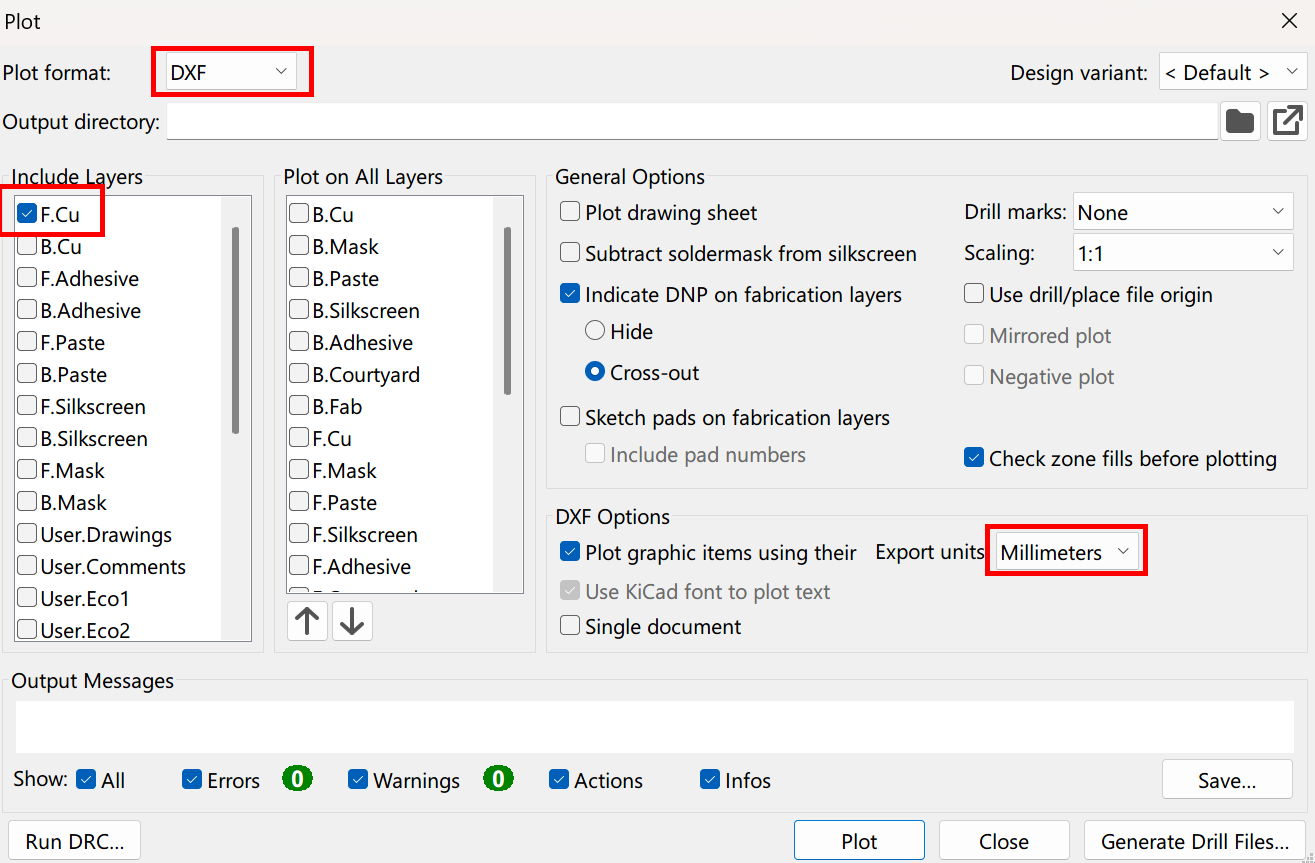
Using Cricut Design Space
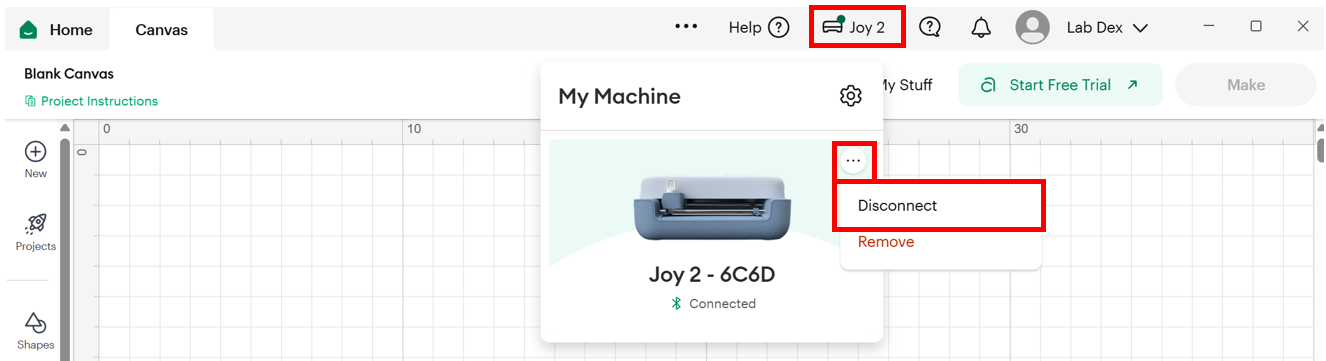
1. Make sure you connected to the machine through Bluetooth LE; ask others to disconnect if they keep connect after use.
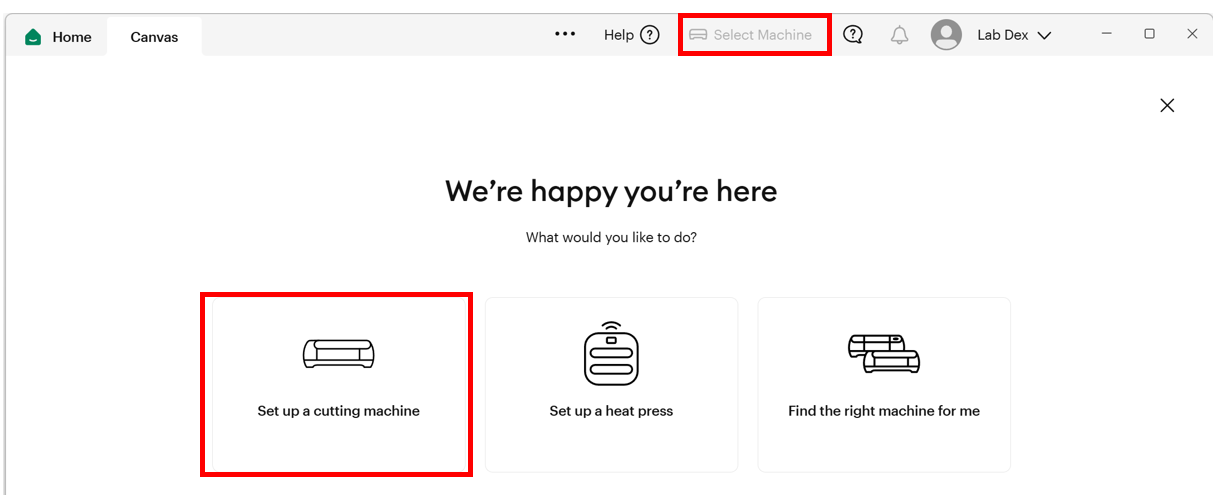
2. Click New Project > Blank Canvas > Start Designing > Upload (DXF)
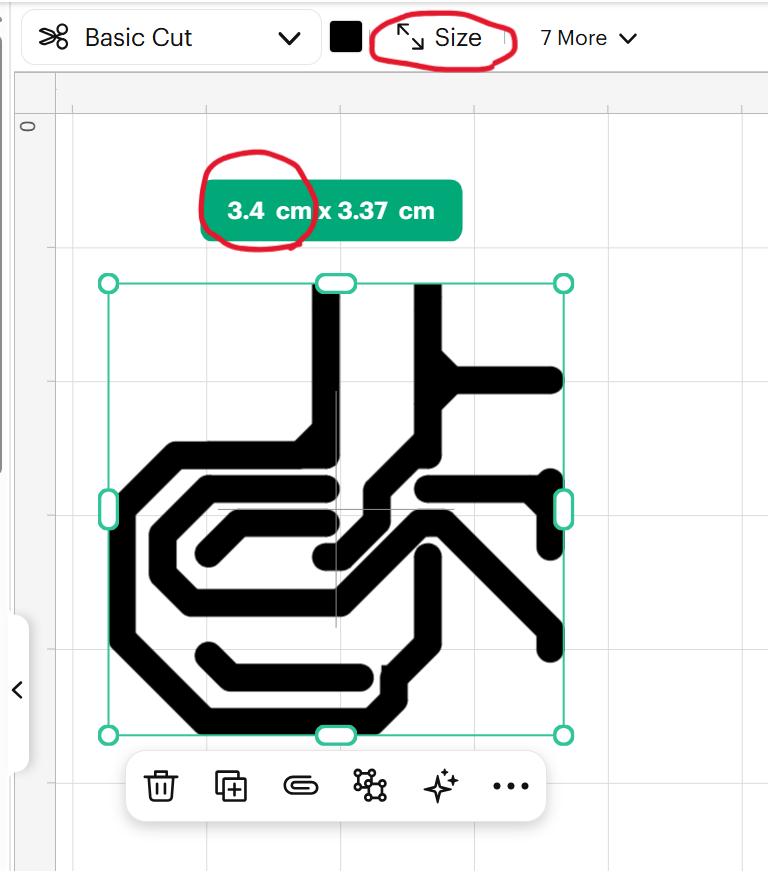
3. Resize if needed
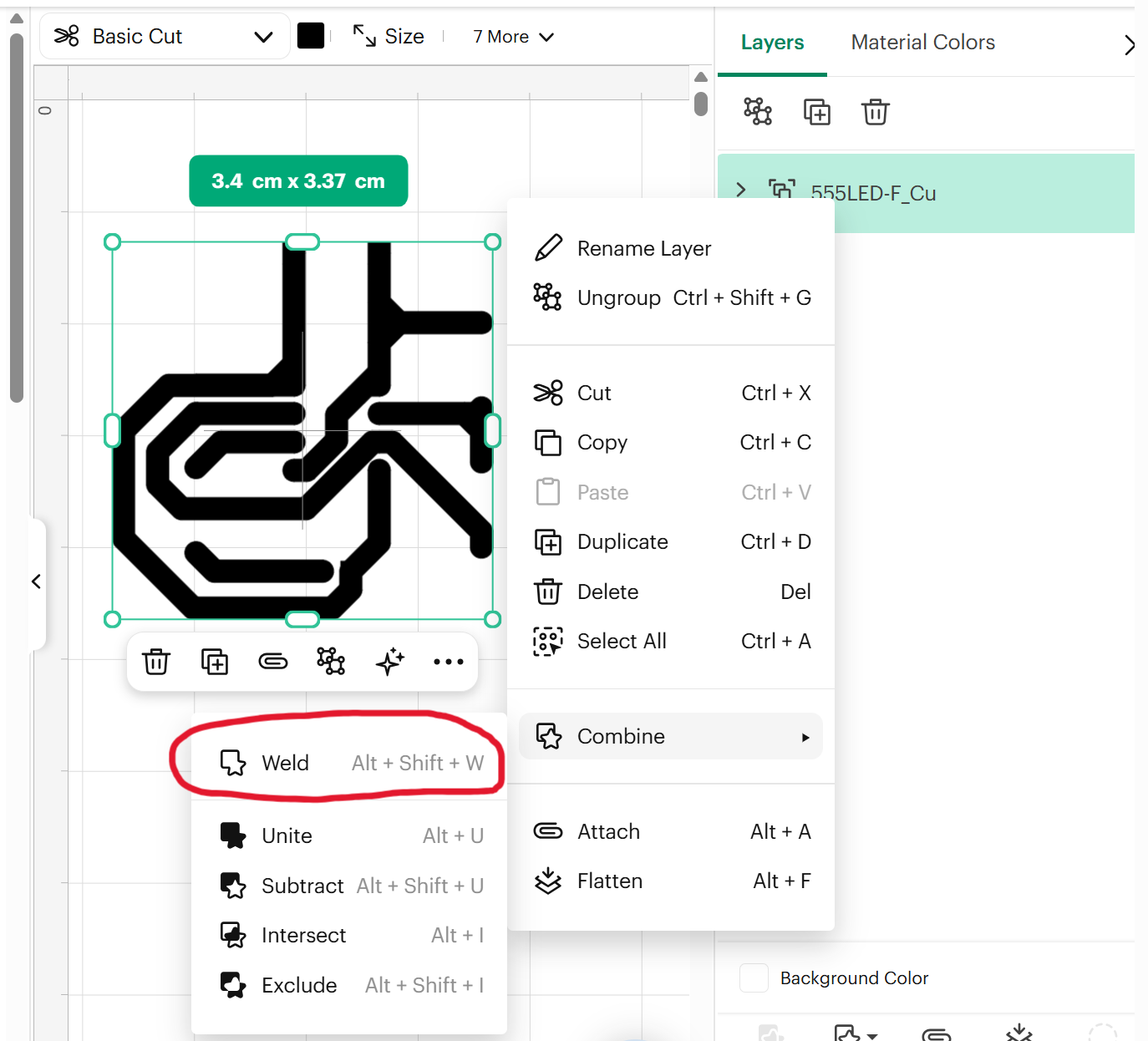
4. Weld all parts
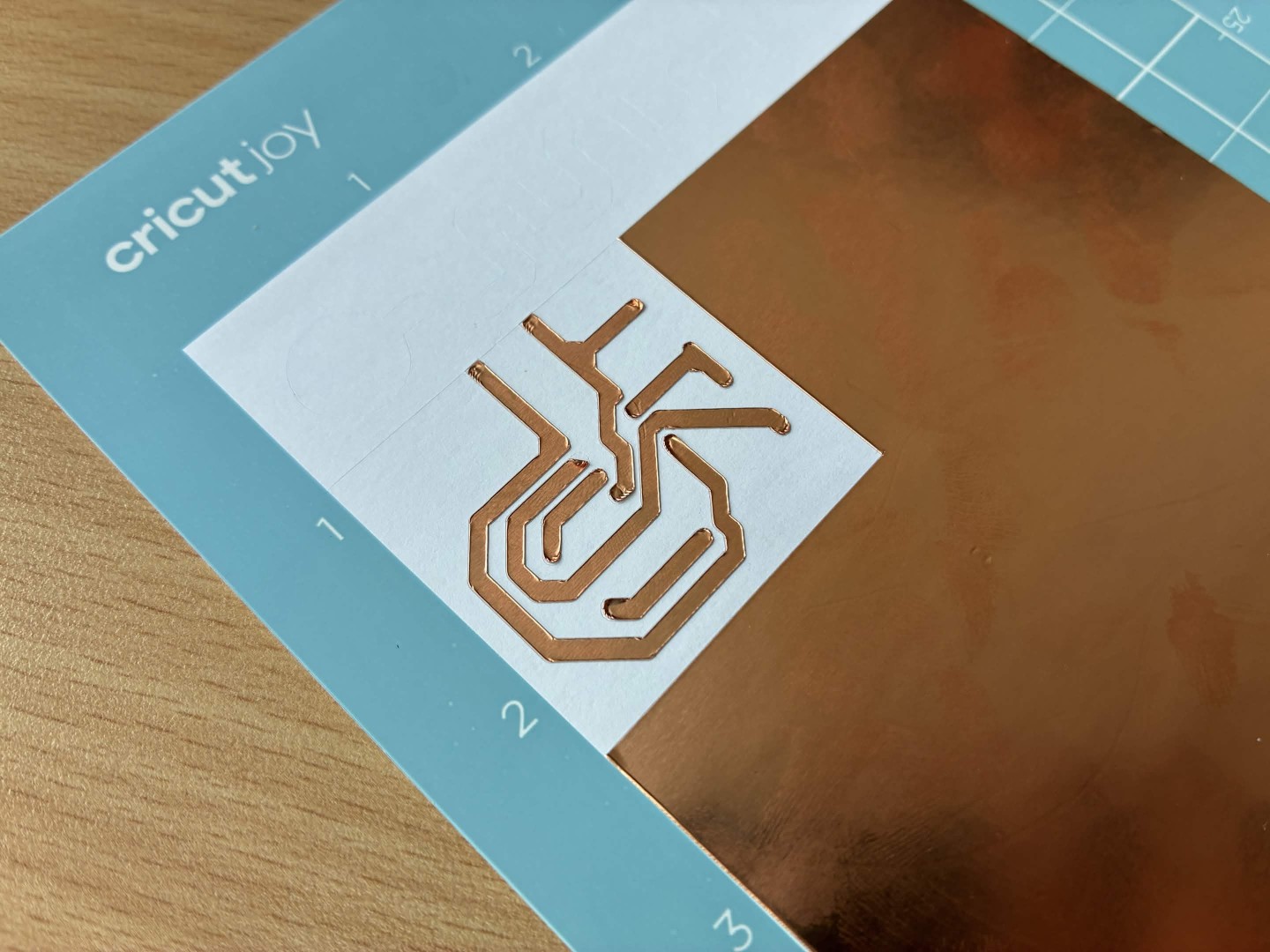
5. Cut using preset: Adhesive Foil. Follow instructions in the software.
6. After cut, remember to discoonnect the cutter so others can use!
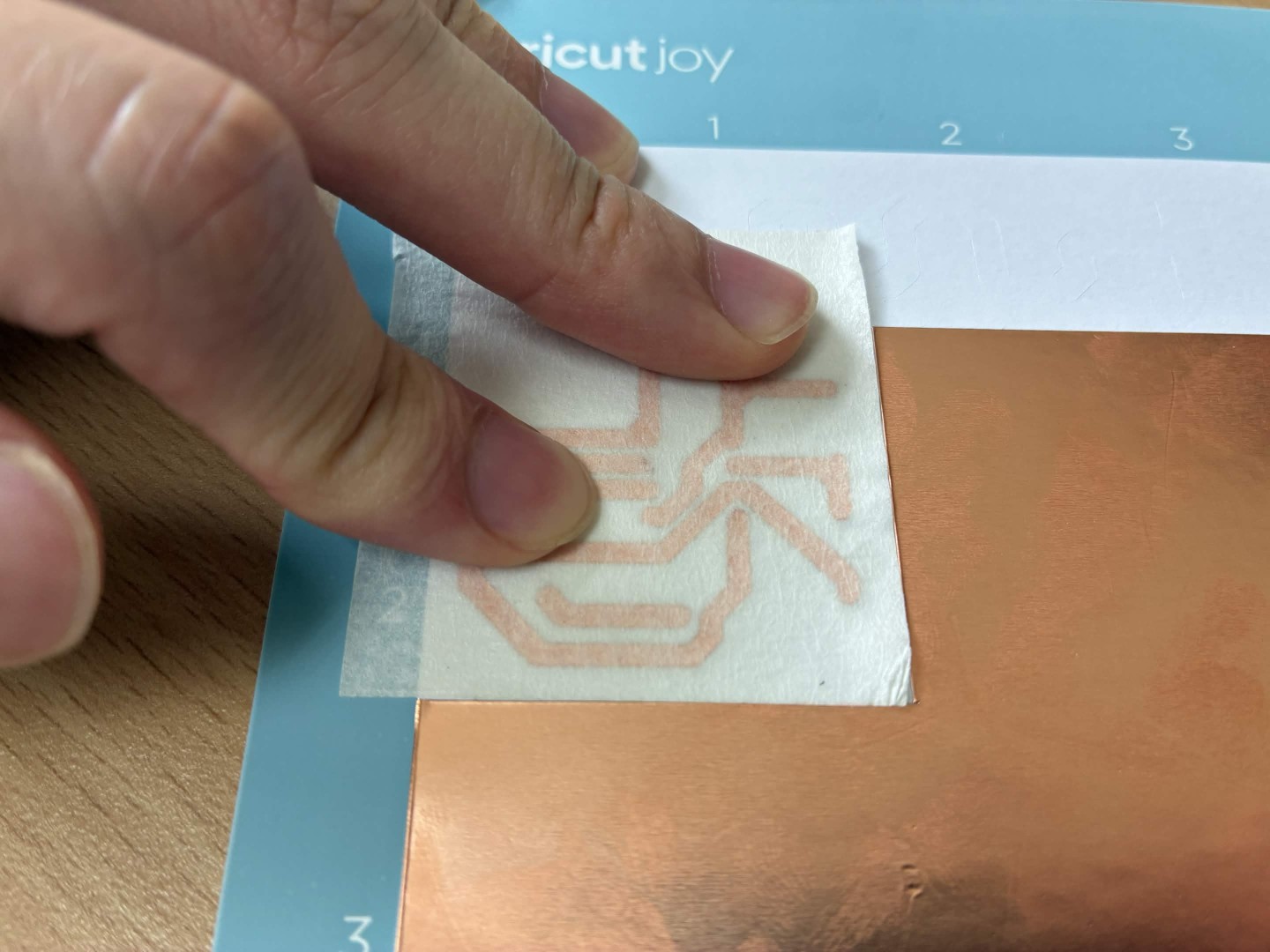
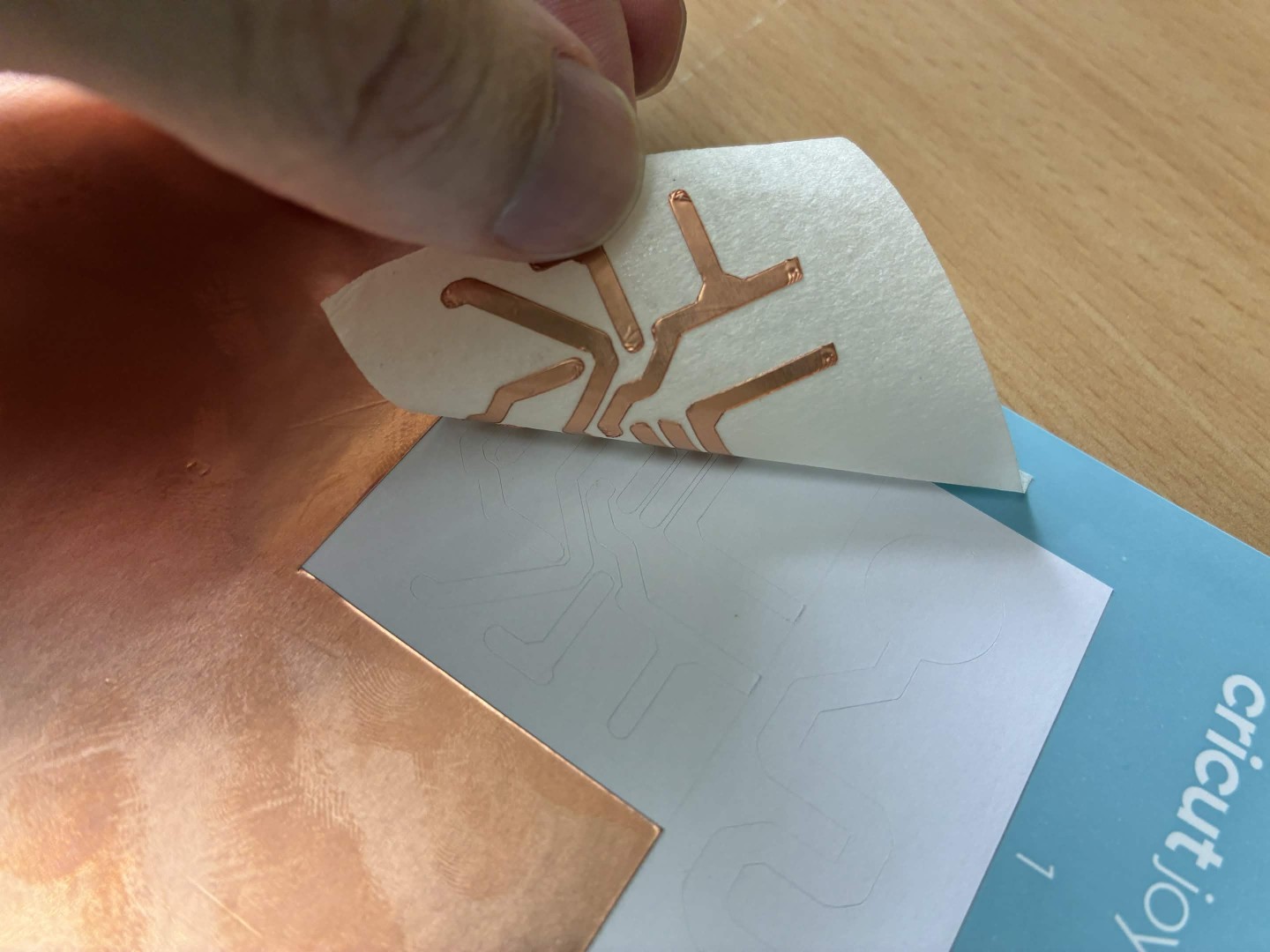
Transfer copper tape