Using Brother cutter
Model
The cutter that we are using is Brother ScanNCut SDX1200, and we use Thin Fabric Auto Blade (golden).
Installation
Make sure you follow installation to install Brother CanvasWorkspace.
Using Brother CanvasWorkspace
Import your design (.DXF, .SVG), and export it into FCM file and put it on a USB stick. The position on the canvas can be changed later on the machine.
Make sure that your design doesn’t have any features that is smaller than 1 mm.
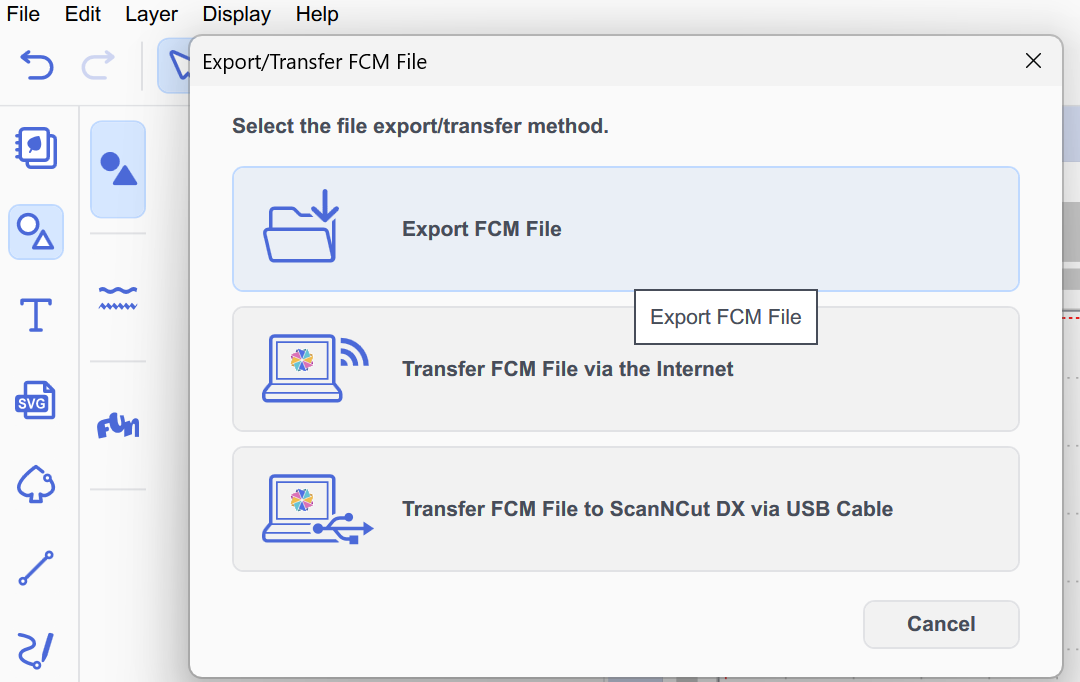
Cutting copper tapes
1. Stick well to the plate
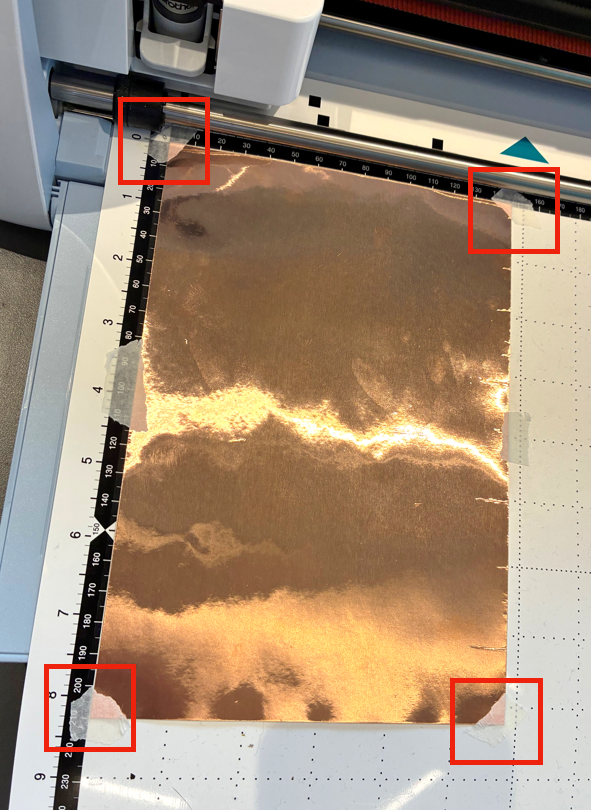
2. Load the plate, follow the interface and check settings before cut:
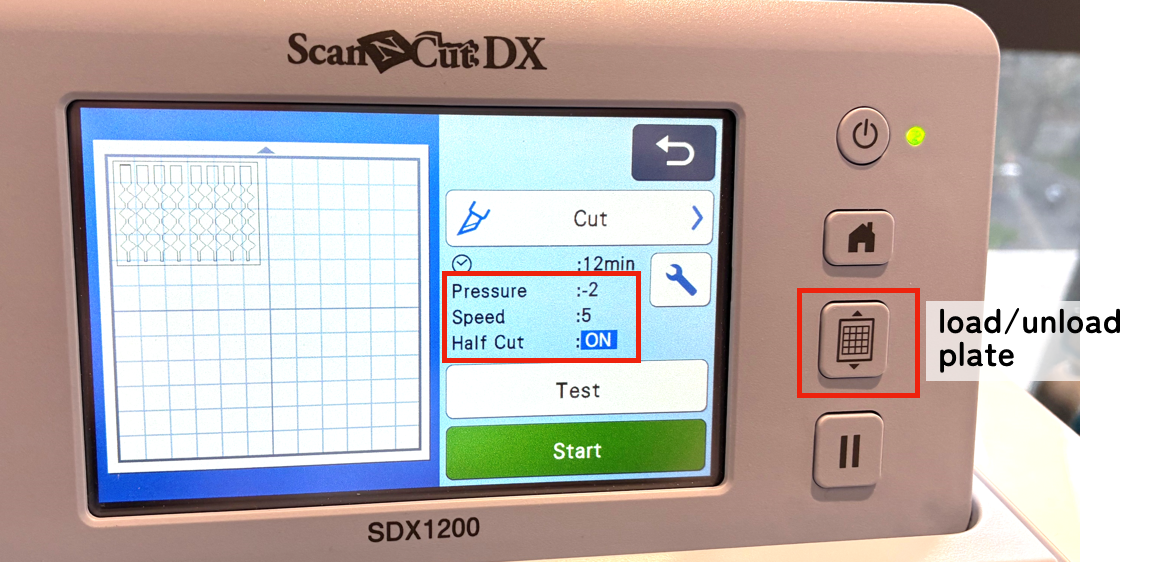
4. Start to cut
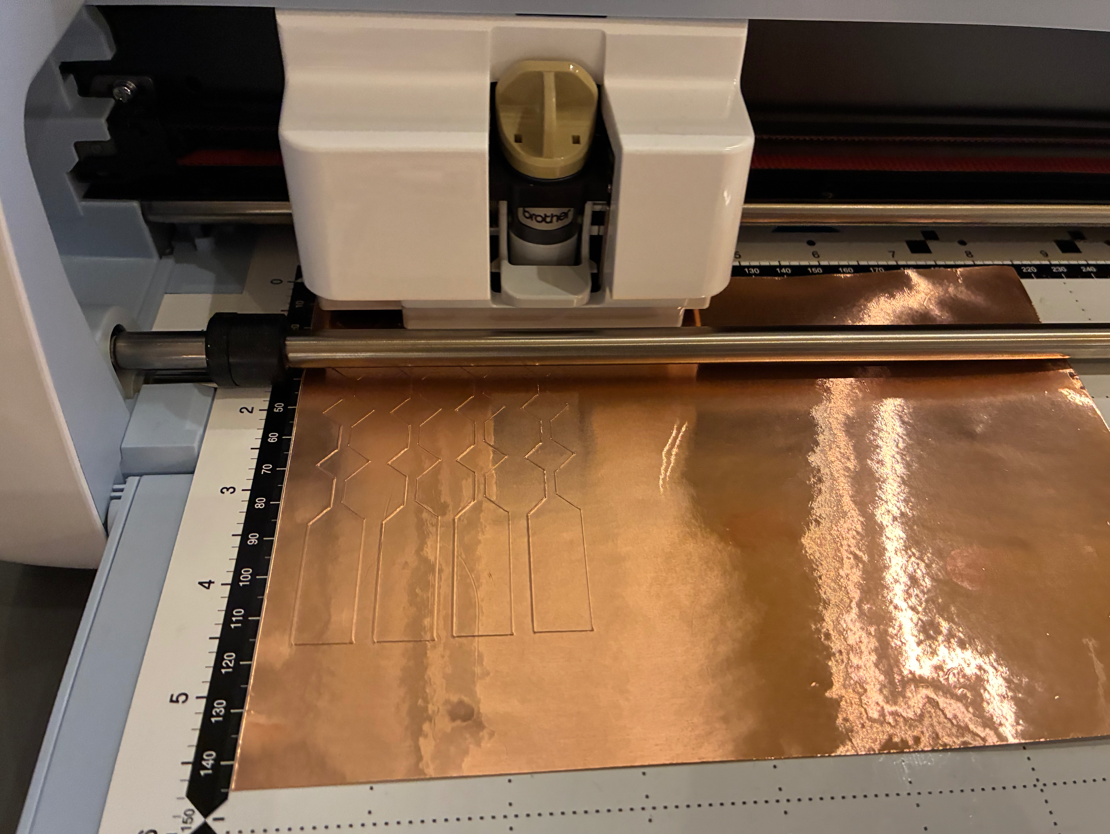
5. Unload the plate when done
Transfer copper tapes to plastic sheets
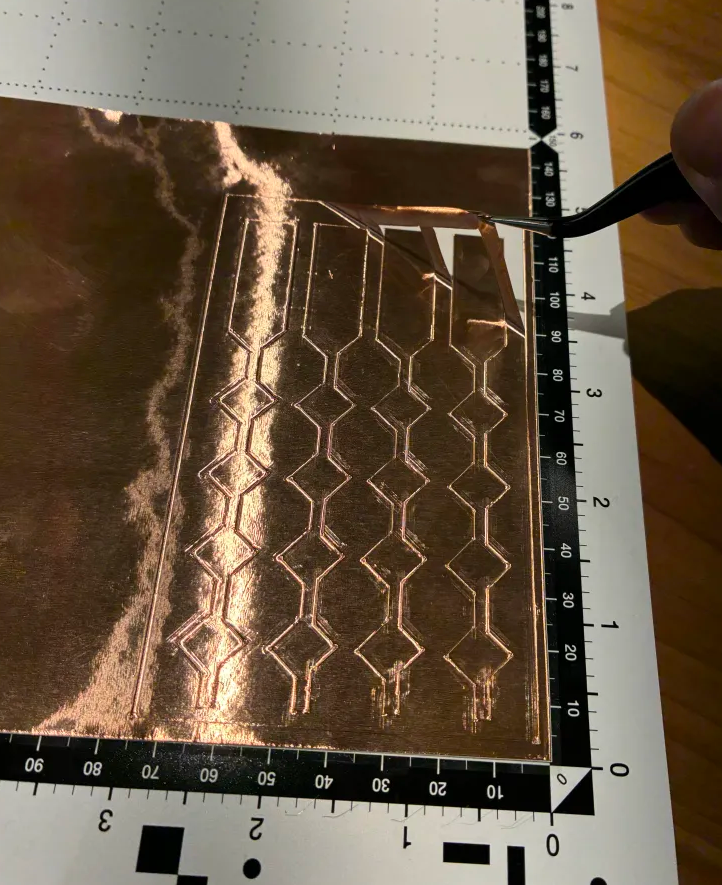
1. Peel off unwanted parts:
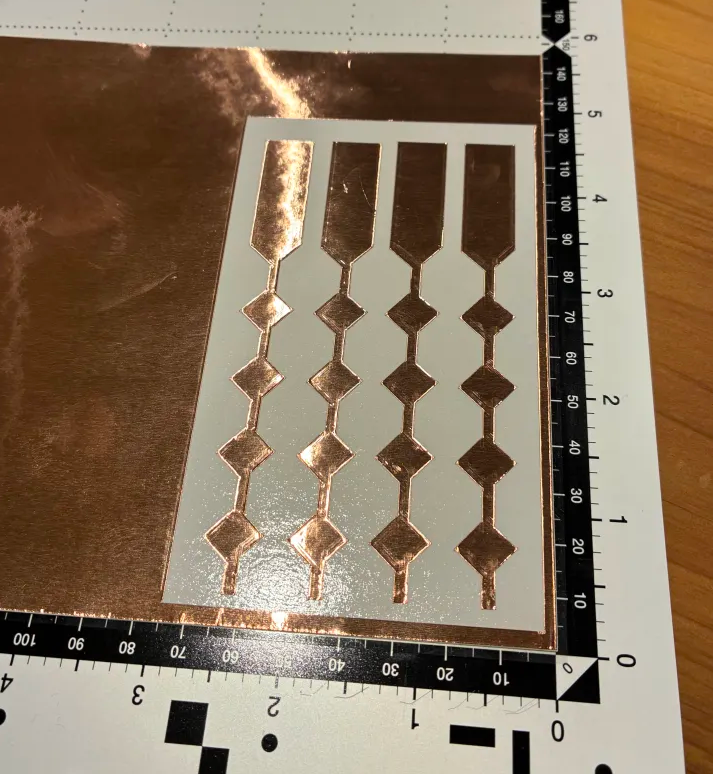
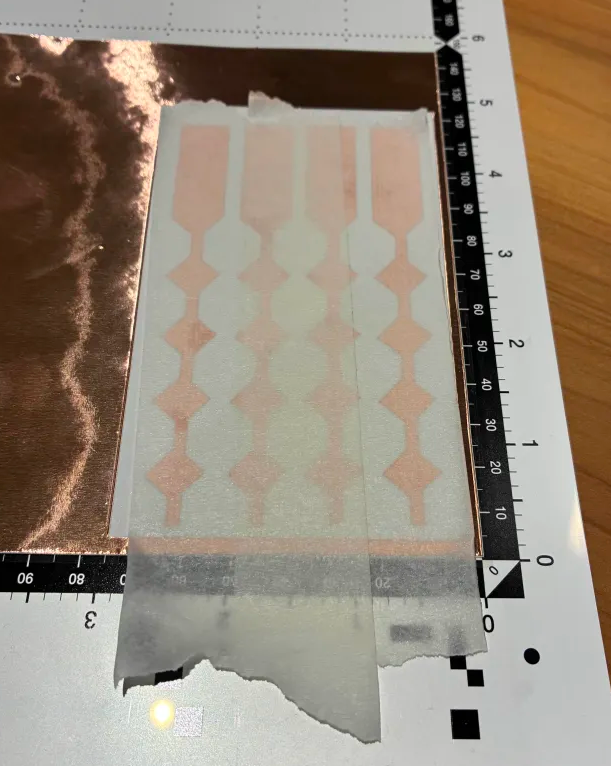
2. Cover with paper tapes and peel off copper carefully:
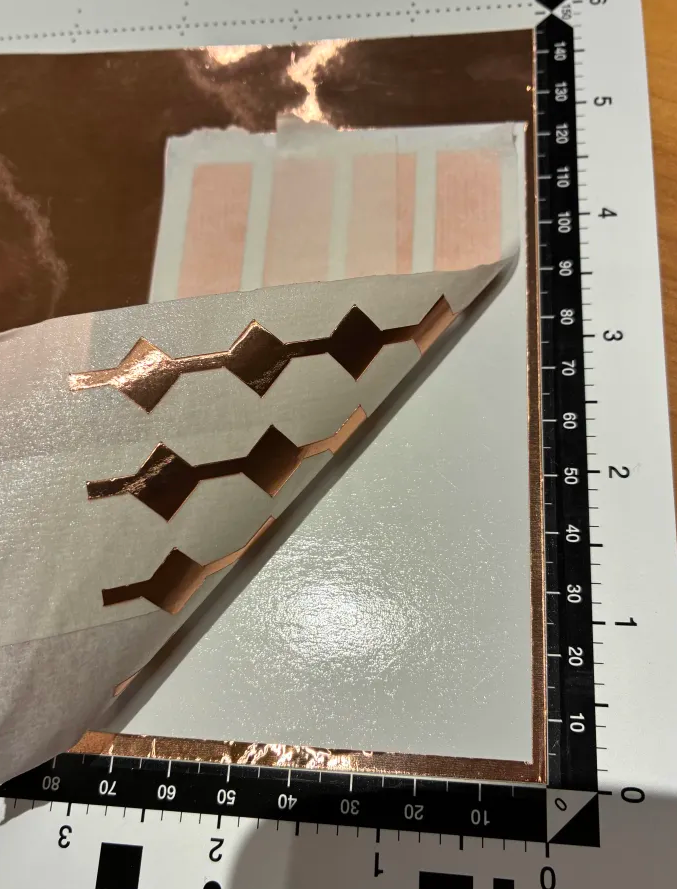
3. Apply to plastic sheet and peel off only the paper tape carefully:
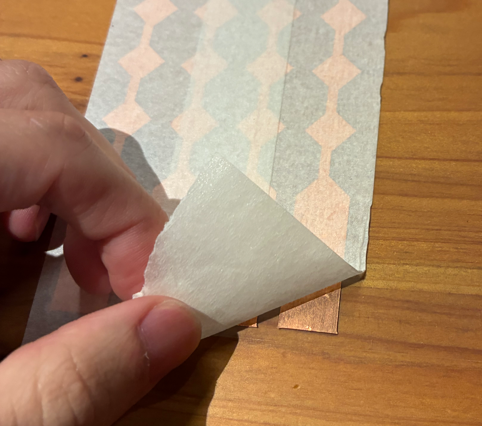
4. Apply to the transparent sheet (on the back of the sheet too)
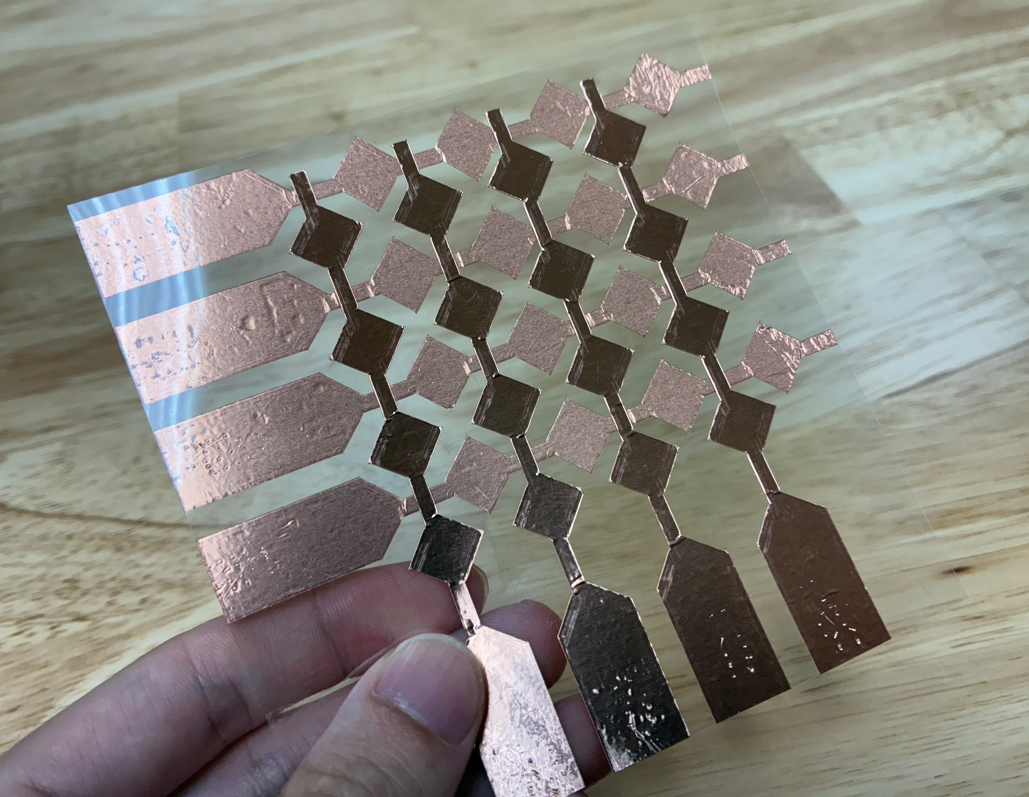
5. Apply transparent tapes on top of the sensing part on both sides